



NAMPA, Idaho — The problem of e-waste is huge.
According to the Geneva Environment Network, every year, the world generates millions of tons of this stuff.
And even though there are some valuable elements in a computer, the EPA says less than 25% of e-waste is recycled.
Senior reporter Roland Beres found lot of people may not recycle because they’re concerned what might happen to their personal information. So, he talked to the experts to find out the best ways to recycle and protect yourself at the same time.
Old computers. They were great in their day, but obsolete now.
Unfortunately, the information they contain can cost you if it ends up in the wrong hands.
Nan Smith is cleaning out her house and found two old laptops with a lot of personal information that are probably 20 years old.
She's like so many people wondering what to do with old laptops that are chock full of personal and business information.
10 “They need to be recycled. And I would like all the information removed safely,” declared Smith.
You might think a factory reset will do the job. But it won’t. Your information can still be retrieved until it’s overwritten by something else.
At the Reuseum in Garden City, they do a common procedure called a secure data overwrite that fills the hard drive with ones and zeros so any residual information is eliminated.
“It runs a multi-pass wipe test on it. Depending on size of the drive, it can take one to three days,” said Trevor Felgenhauer, who works at the Reuseum, a nonprofit that recycles and re-sells old electronics.
Felgenhauer says an overwrite usually does the job and allows the computer to be re-used by someone else even if it is pretty old.
“There’s lots of people who like the old stuff; I see them every day,” said Felgenhauer.
But if the secure overwrite doesn’t work or you just don’t trust it, there’s always a sledgehammer. But there’s no need to destroy the whole computer.
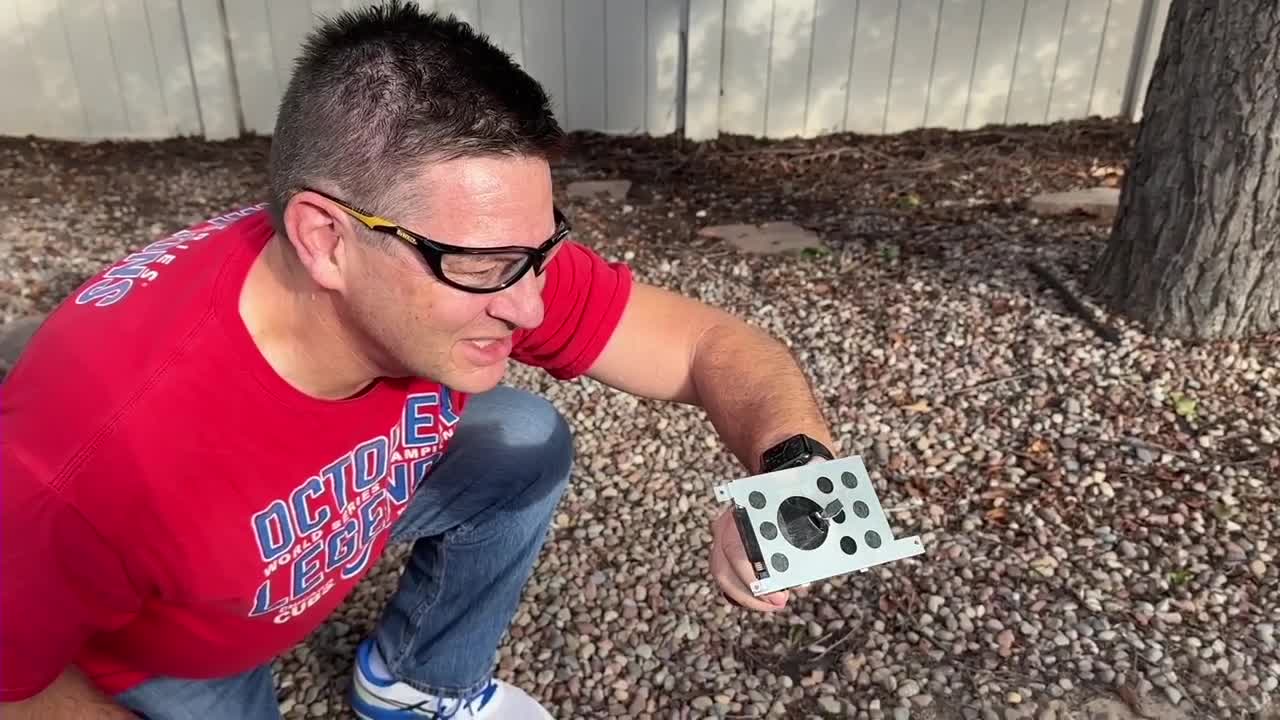
The hard drive is generally pretty easy to remove and hammer a spike through. And at the Reuseum they have a special press that does the same thing, effectively destroying all information.
And then the rest of the computer can be recycled for the minute bits of rare metal they contain.
“In here there’s gold and if I pop this off, this is the processor and those are all gold contacts,” said Felgenhauer.
At most there’s a few dollars of gold in a laptop, but recycling it helps reduce the amount of new gold that must be dug out of the ground to make new computers.
And some of the other parts, like the screen, can be re-used by someone who still likes their old computer. “Maybe they have the exact same model and the screen went bad; they can pull the screen out and bring their old laptop back to life,” said Felgenhauer.
So, next time you upgrade to a new computer, don’t just smash the old one and throw it in the trash. Once you clear your data, the benefits of recycling are clear.
